Tag: WAR

New Top 20 Team Dashboards Coming

New Top 20 Team Dashboards Coming

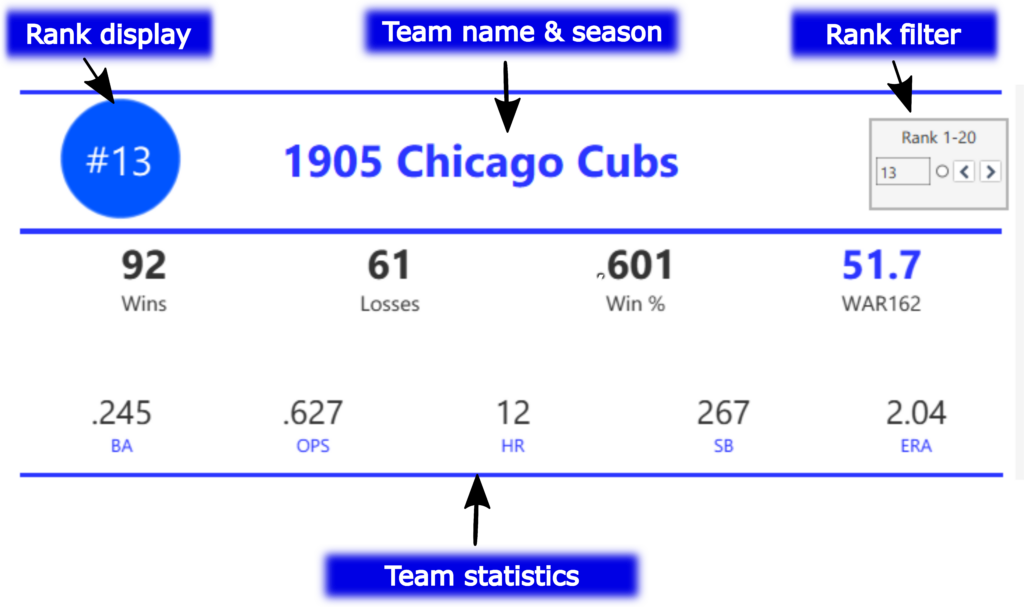
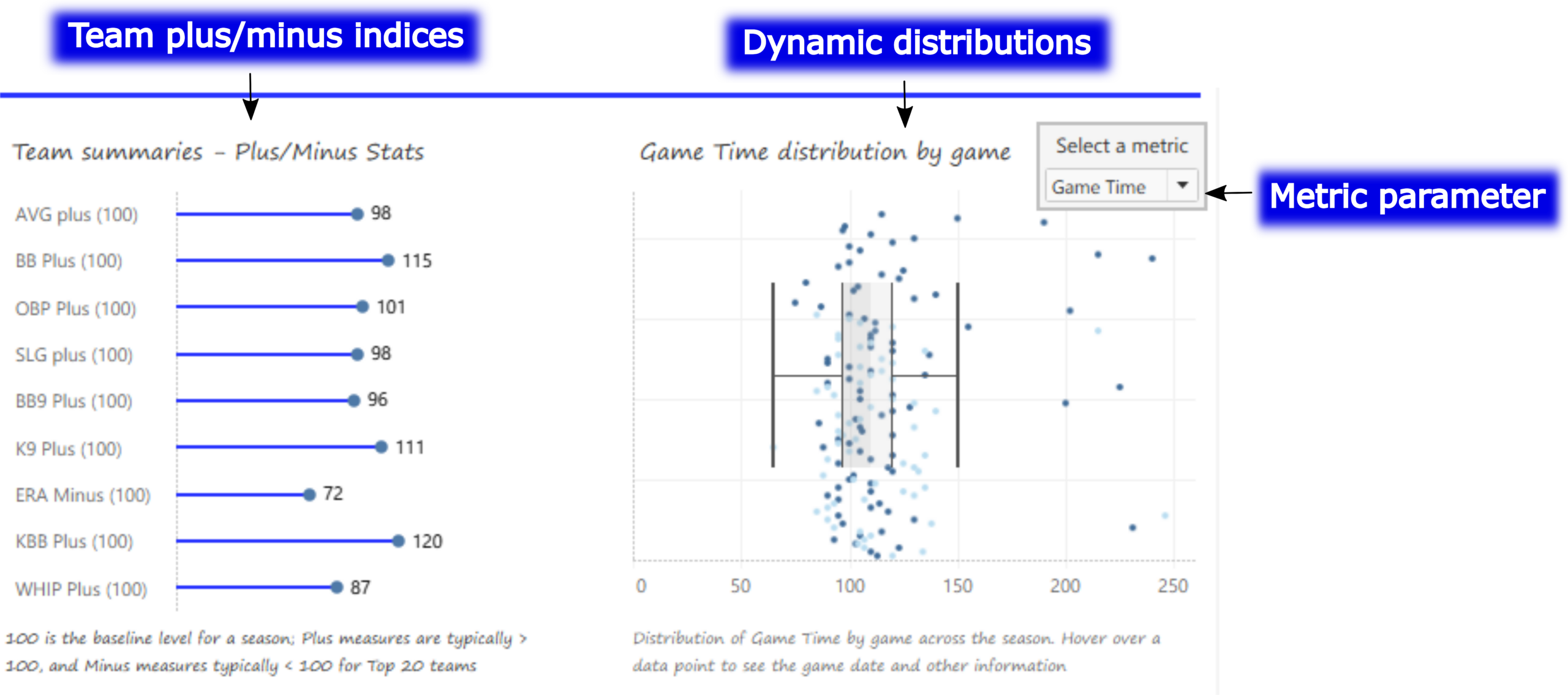
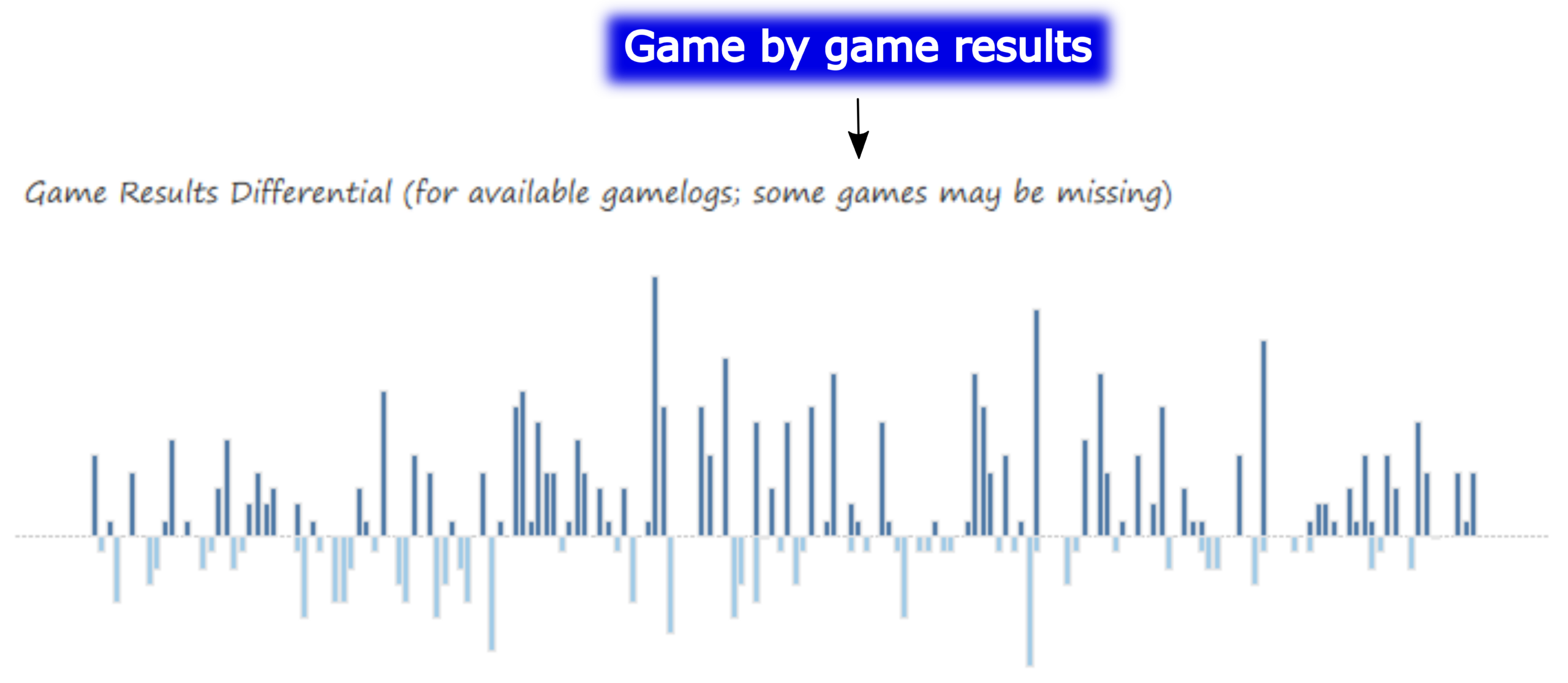
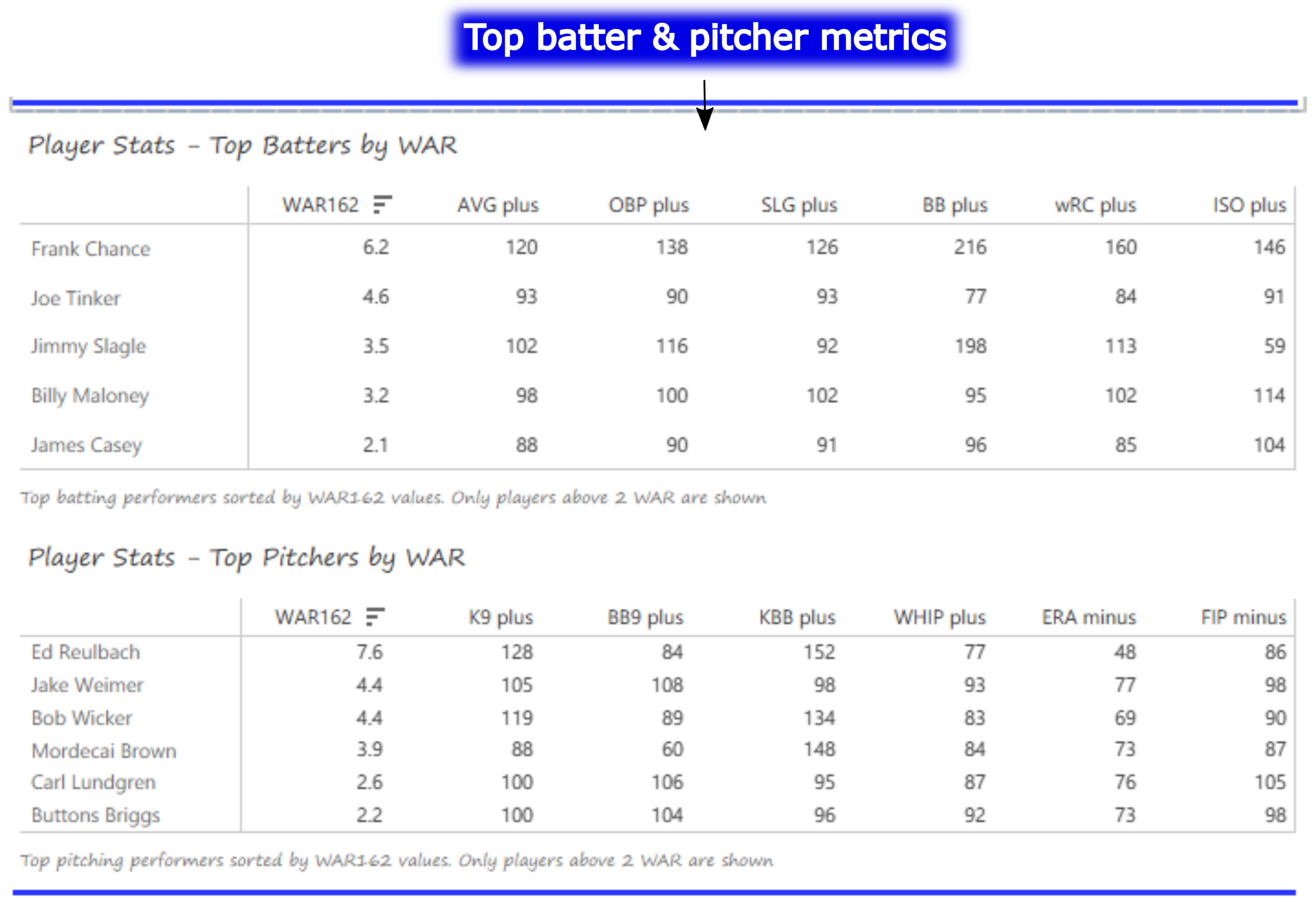
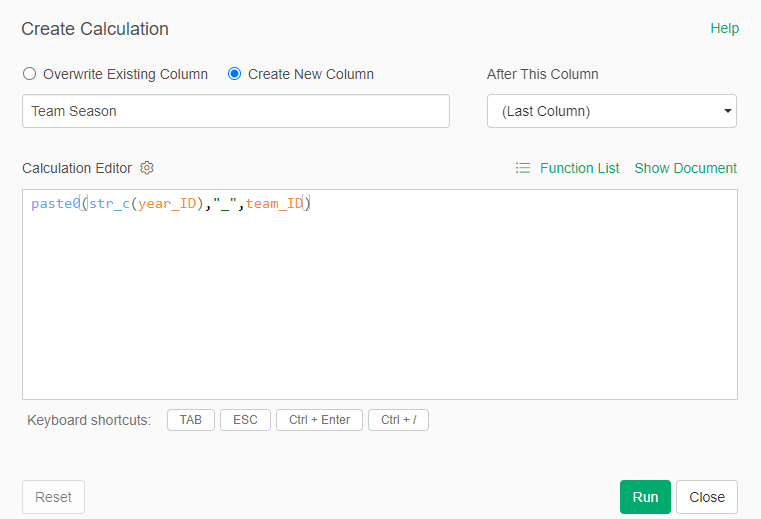
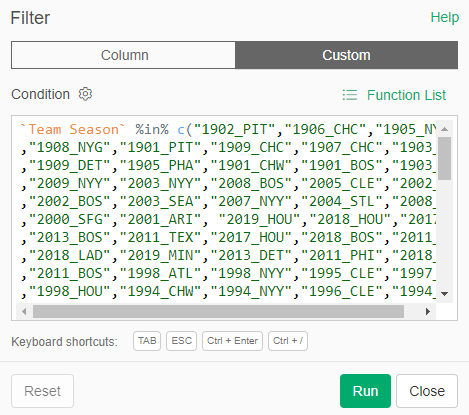
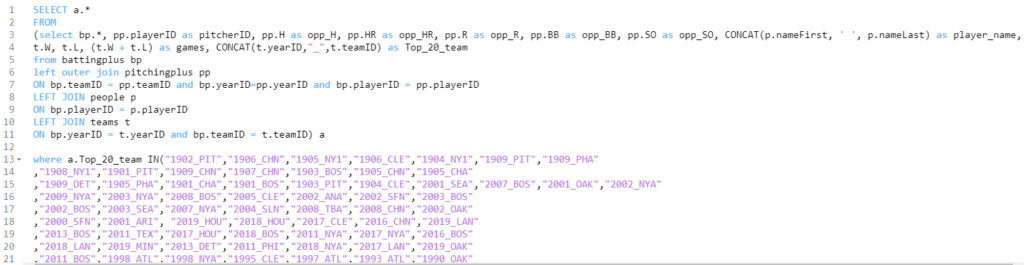
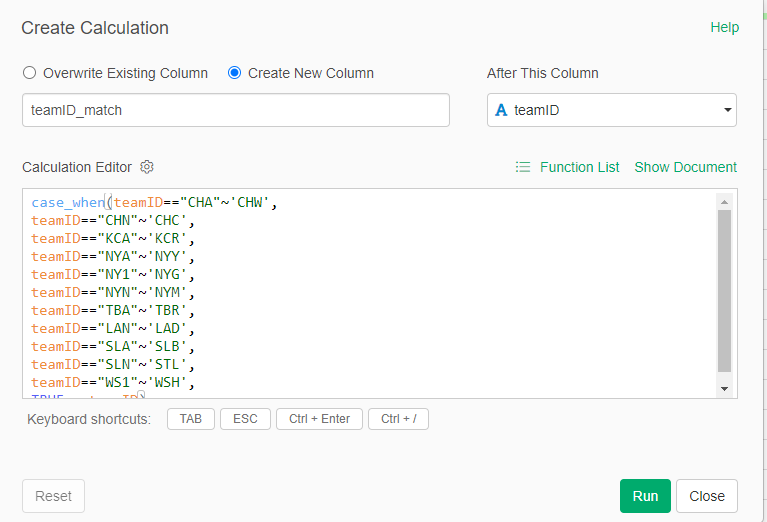
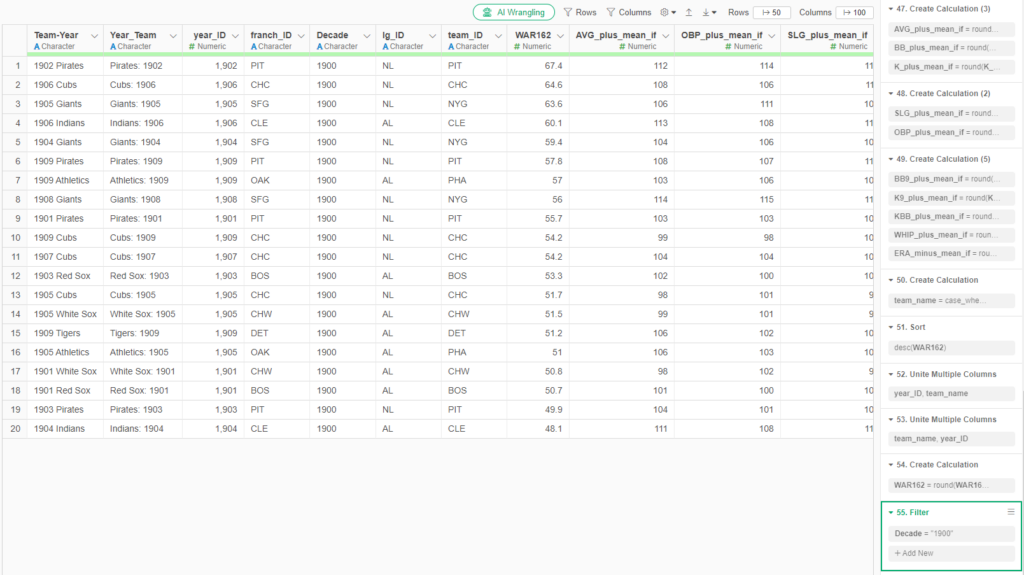
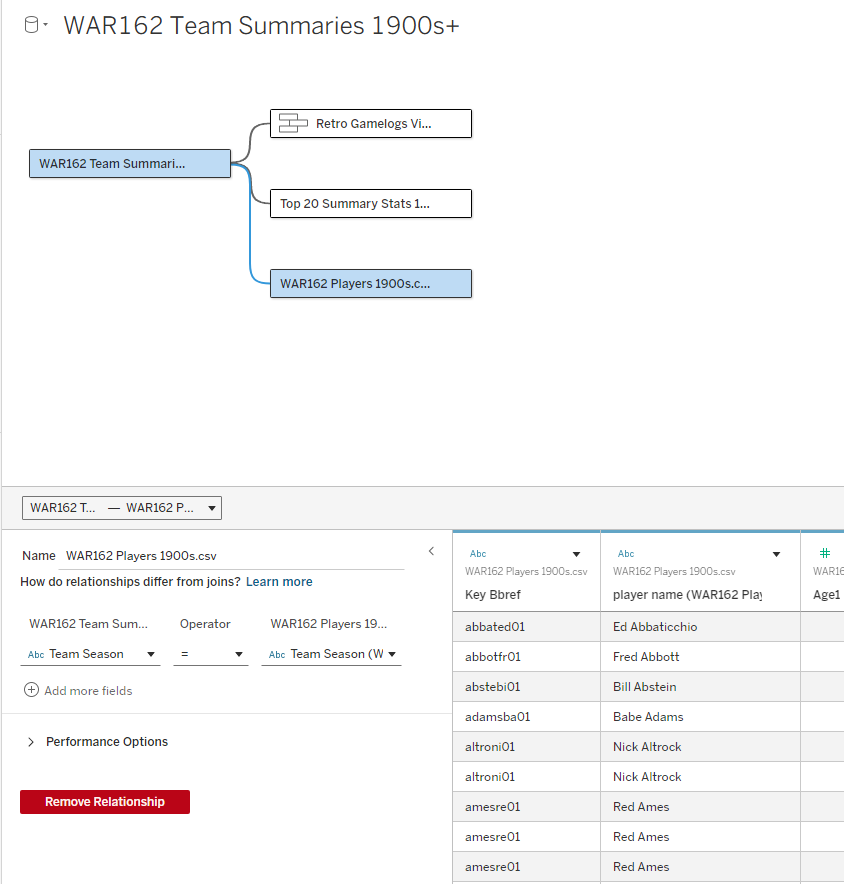
I spent the day today flagging the top 20 teams by decade (based on WAR162 calcs) in the Retrosheet game logs data, which opens the door to some fun upcoming analyses. In my Visual Book of WAR, there is a section looking at the top 10 teams per decade (1900s-2010s); we’re going to expand that to the top 20 for this next project. The aim is to produce a fun and informative dashboard for each of these teams that will highlight why they rank where they do.

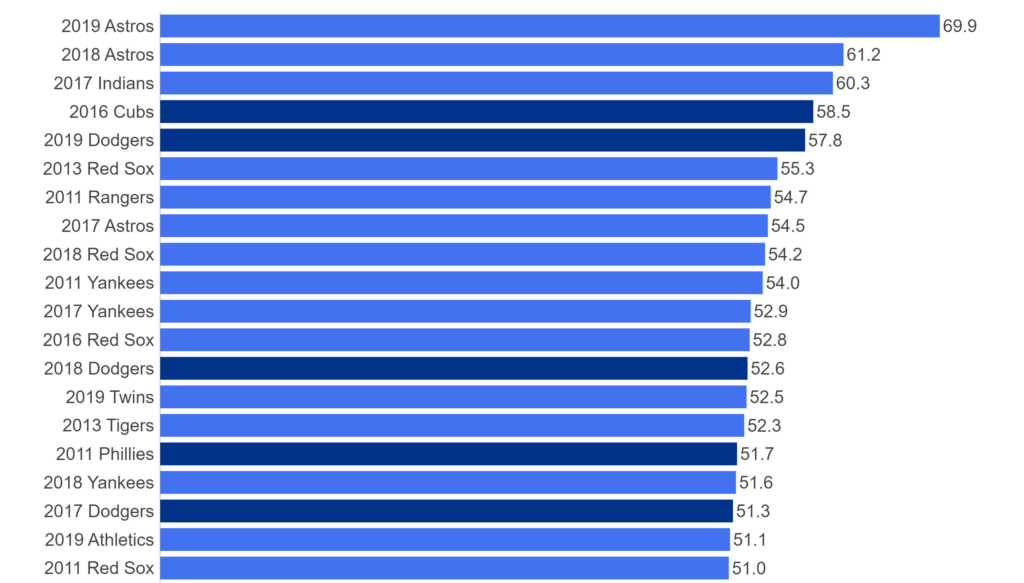
While the dashboard is still in the ideation stage, expect deeper insights into each team’s patterns within their featured season – individual WAR levels, run differentials, interesting statistics, and much more. Here are some teaser charts showing a few decades worth of who the top 20 teams are:

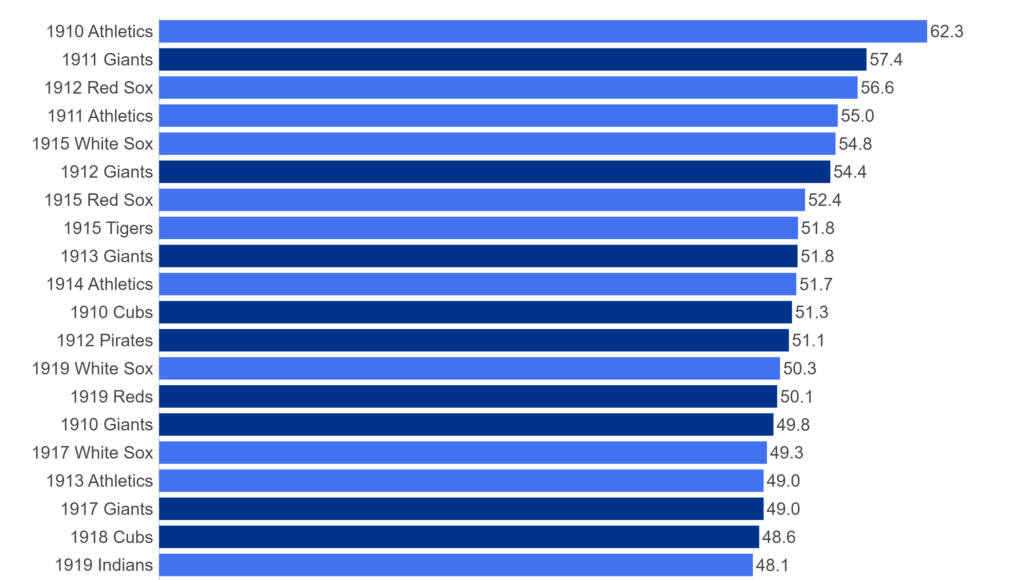
First, the 1910s:

Top 20 Teams by WAR 1910-19

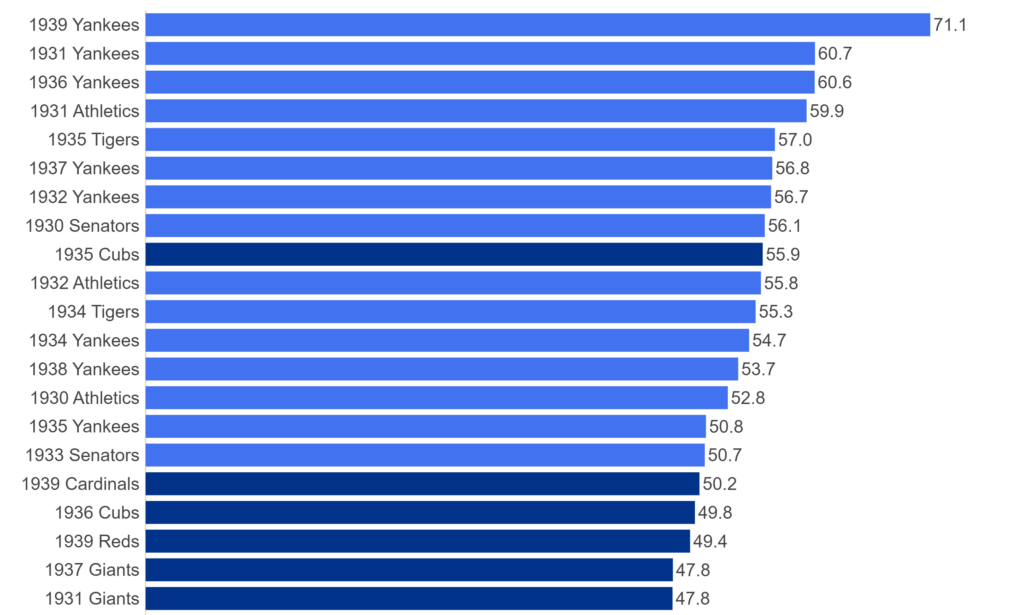
Next, the 1930s:

Top 20 Teams by WAR, 1930-39

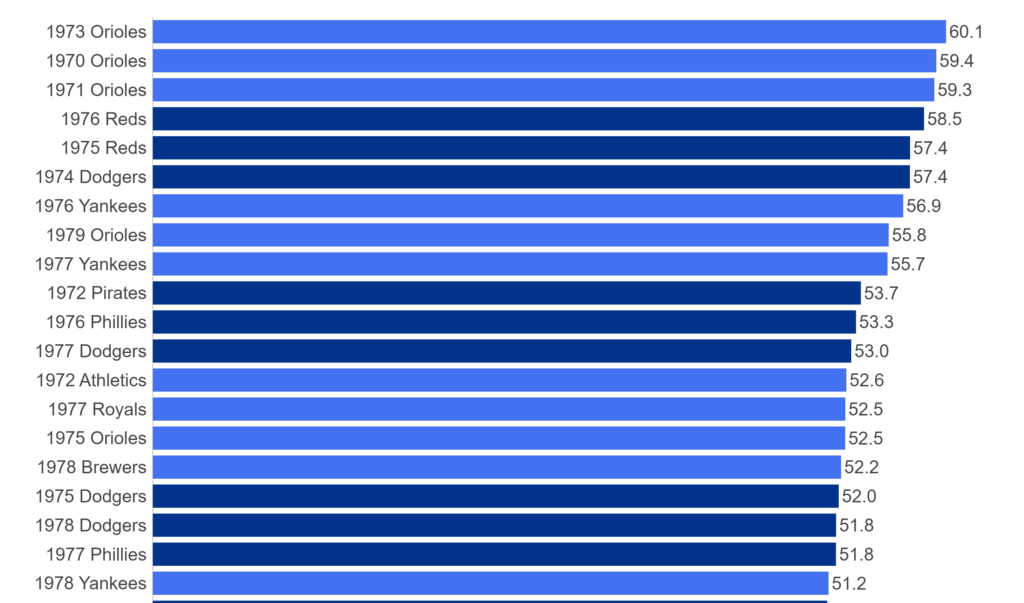
And the 1970s:

Top 20 Teams by WAR, 1970-79

And the 2010s:

Top 20 Teams by WAR, 2010-19

For each of the above teams, plus those from the other decades, we’ll have a sweet dashboard highlighting each of their seasons that rank in the top 20 for the decade.

The plan is to roll these out, with five teams at a time from each decade. The #20 through #16 teams will come first, followed by #15 through #11, #10 through #6, and finally, numbers 5 through 1. We’ll then move on to the next decade and repeat the same cadence. This should make for a fun series of posts that allow for interesting comparisons and insights.

I’m looking forward to kicking off this series very soon, and believe you’ll find it quite interesting. More to come as I finalize the dashboard format and how to deploy it for the greatest impact. As always, thanks for reading, and see you soon!

Book Progress – Part 1

This week marked the real start of putting some effort into the structure of my upcoming Career Arcs book; the onset of cold weather and the passing of the Thanksgiving holiday have afforded me a bit of writing time, even as multiple December holiday gatherings approach. So I have started with some necessary components including an introduction, resources and tools pages, and an about the author page.

I’ve also been looking at which versions to publish; I love the idea of print books, especially for such a visually dense volume filled with color charts and graphs. However, there is a considerable production cost associated with full color books which might push the price beyond many buyers comfort level. My likely solution is to produce both e-book and softcover versions and perhaps a hardcover volume as well. This option will allow buyers to make their own choice based on their preferred format and price point. At the moment I’m leaning toward Amazon’s Kindle Direct Publishing (KDP) platform due to its ability to easily produce all three versions.

Another current exploration involves the book cover and layout. While I’m good with visual information display, I am certainly not a graphic designer, so those tasks will likely be covered by a freelancer with book design experience.

The next step will be determining the specific content of the book and the order of sections and chapters. I have some idea of the flow, but need to define it more precisely. Of course the written and visual content will follow closely behind once I’ve made the content selections. There is a lot of work to come but I’m optimistic about the process and my ability to produce the content of the book. December time may be at a premium, but January through March has proven to be a productive period for me in years past. Stay tuned as I provide updates on my progress!

My New Book – The Work Begins

I’ve had a baseball visualization book in my head for the better part of a decade but kept setting it aside. Finally, things have come together, and the work has begun. My working title is “Career Arcs: A Visual Analysis of MLB Player Performance”, as the focus will be on the value players have achieved across their playing career.

The initial stage, as is so often the case, is centered on data wrangling, the art of procuring, loading, creating (formulas), analyzing, and finally, visualizing the base data. My process starts with the source data, available under the MIT license, which gives me the ability to use the data however I choose. I will always acknowledge Neil Paine for his great dataset focused on multiple interpretations of WAR (Wins Above Replacement), a widely used metric for baseball statheads. Without this data, creating the book would prove far more challenging.

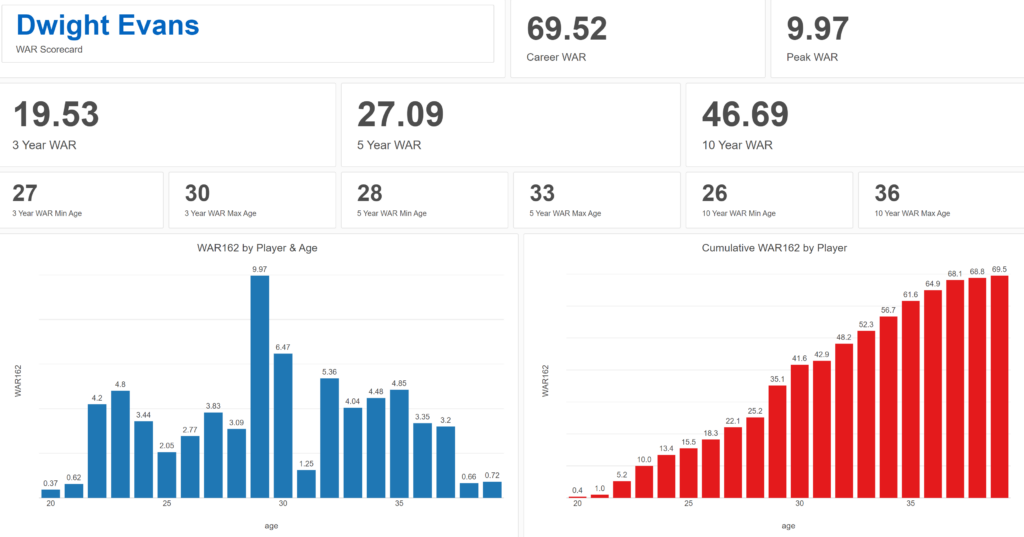
Exploratoryis one again my primary data wrangling tool; it makes the powerful capabilities of R accessible to a non-coder like myself. In Exploratory, I can load the data, create filters and formulas, and do some pretty cool visualizations. My use is twofold (at least); I can analyze the data on the back end while simultaneously building charts and dashboards for potential use within the book. Here’s an example dashboard I’ve created (in process) where I can see career WAR numbers for any MLB player through the 2024 season:

Dwight Evans WAR Scorecard

These dashboards allow for data discovery on my end while painting a nice visual picture that may wind up in an appendix section of the book. I love creating charts and dashboards that can be used for more than one purpose!

In addition to working in Exploratory, I am learning the ins and outs of Adobe InDesign, which will be used for page layout, titling, fonts, styles, colors, and any other elements used for book publishing. I have yet to decide how I’ll publish the various versions of the book, other than being fairly certain there will be both e-book and printed versions. Full color printed books can become very expensive to print, so I’m wrestling with a variety of approaches at this stage to maximize readership while also having a print version available at a potentially high price point.

I’ll provide updates as my work progresses, including potential section and chapter content, release dates, and so on. In the meantime, thanks for reading, and let me know your thoughts through my Substack site at Visual Excursions. See you soon!

Final WAR Trade Networks Published

The final 10 MLB WAR Trade Networks have now been published, bringing the total number of graphs to 31 – 30 teams and one overall network with all teams and transactions. For more information on the trade networks, click here. Here are the remaining networks:

Find your favorite teams and enjoy!

More WAR Trade Networks Published

I’ve added 11 new MLB WAR Trade Networks to the site, bringing us to 21 in all. One more round of updates should get us to the full complement of graphs. For more information on using the graphs, see here.

Here are the new adds:

All the networks can be found here. Enjoy!

First 10 WAR Trade Networks Published!

The first 10 WAR (Wins Above Replacement) Trade Networks are now available for exploring! This initial group includes nine team networks and one overall graph with all teams included. Here’s a list of the 10 graphs:

Each of these and any upcoming WAR trade networks can be found on this page.

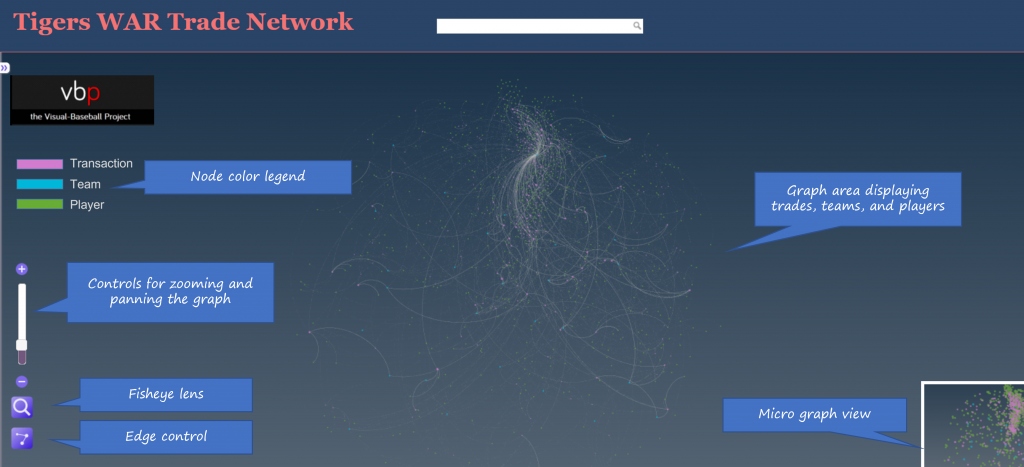
Let’s walk through how the graphs work, using the Detroit Tigers network as an example. We’ll begin with an anatomy of the graph display:

As the image shows, the primary focus will be the main graph area in the center of the window. This is where all nodes (transactions, teams, and players) will reside, connected by edges based on common relationships. Transaction nodes will vary in size based on the total value of a trade with the largest nodes indicating a trade that created significant future WAR for one or both teams. Team and player nodes are set to constant sizes so that the initial visual focus will be on the transaction nodes. The size differences become more noticeable when we zoom in to the network. More on that shortly.

Edges are also sized based on WAR value; this is where we see the value provided to a team and by specific players. Edge sizes (weights) will be more easily seen when we zoom in to the network.

On the left are some graph controls to assist in navigating the graph. We can zoom in using the slider control or the plus/minus buttons adjacent to the slider. Zooming can also be done with a mouse scroll if you prefer that option. The fisheye lens can be toggled on or off and can be used to highlight certain areas of the graph by hovering over a selected region. Finally, the edges button will enable showing or hiding edges and connected nodes. This is useful when you wish to reduce surrounding nodes and focus on specific transactions. We can also pan the graph by dragging it using a mouse – this is helpful in centering a network or viewing specific regions of the graph.

At the upper left of the window is a color legend for each node type, and hidden on the left (not shown in our image) is an information pane that will show specifics about the network. More on that in a bit.

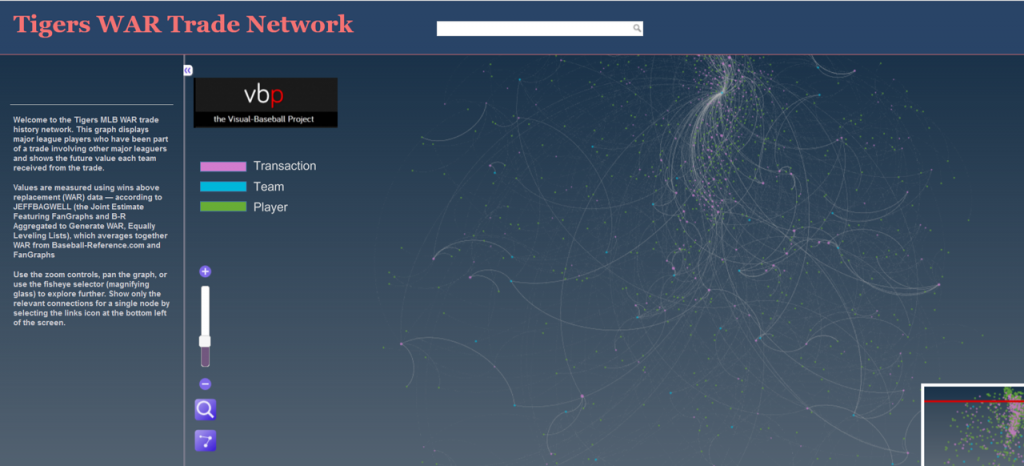
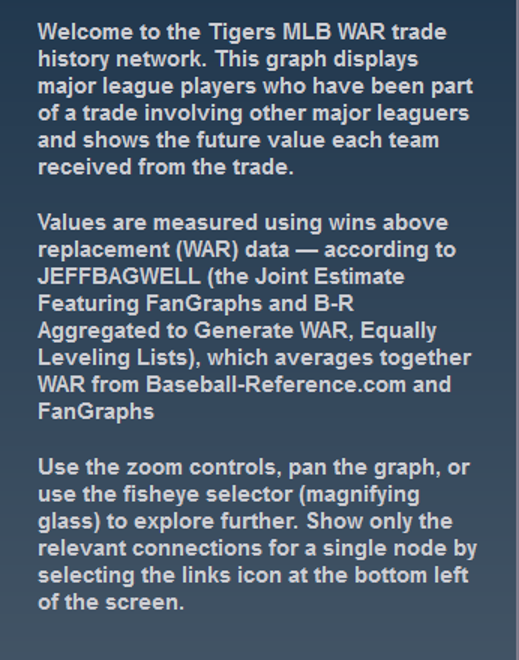
Now let’s examine the information window – this is what makes the network truly powerful. When the network is first displayed or the browser window is refreshed the information pane displays information about the graph (open it by clicking on the arrows icon at the top left):

You can see the simple overview of the graph, the source data, and what it aims to accomplish. Here’s an enlarged version for easier reading:

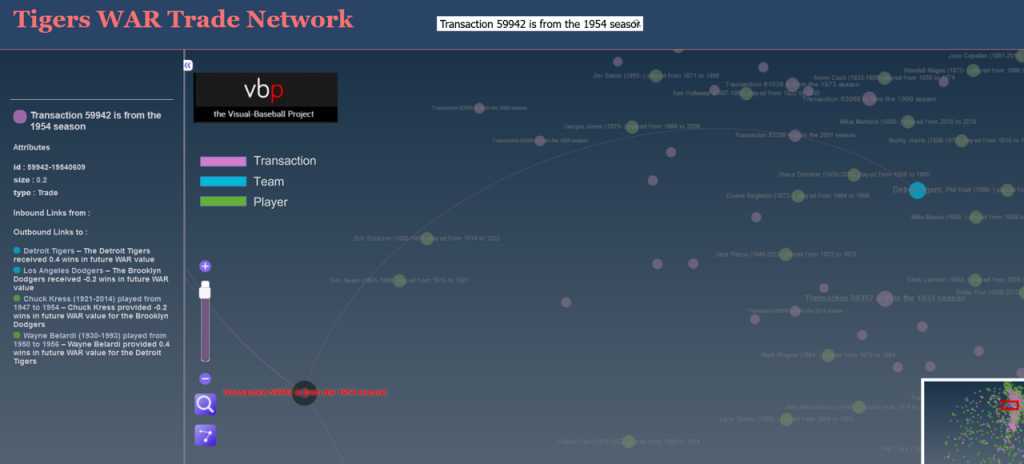
If we zoom in and select a specific transaction the pane displays the relevant details for that selection:

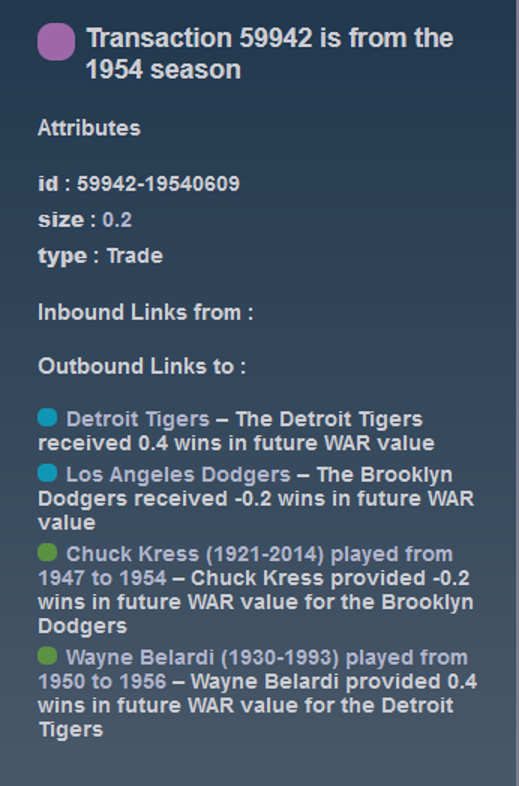
Now we have the details for the transaction – the season, teams, and players involved. Here’s the enlarged view:

You can do this for any transaction in a graph, or you could choose to select a team or player to see how they fit into the network. The possibilities are nearly endless and it’s a fun way to understand the relationships between teams, players, and trades.

We’ll do more exploring of the networks in upcoming posts; I’ll also be adding more teams until we have a complete set of trade networks. In the meantime, feel free to explore the graphs to learn more about the best (and worst) trades your favorite team has made over the last 120 years. Enjoy, and thanks for reading!